
Website feedback for any HTML site
One line before </body>. That works on static sites, custom builds and every system that lets you add your own code.
Step by step
-
Open the footer
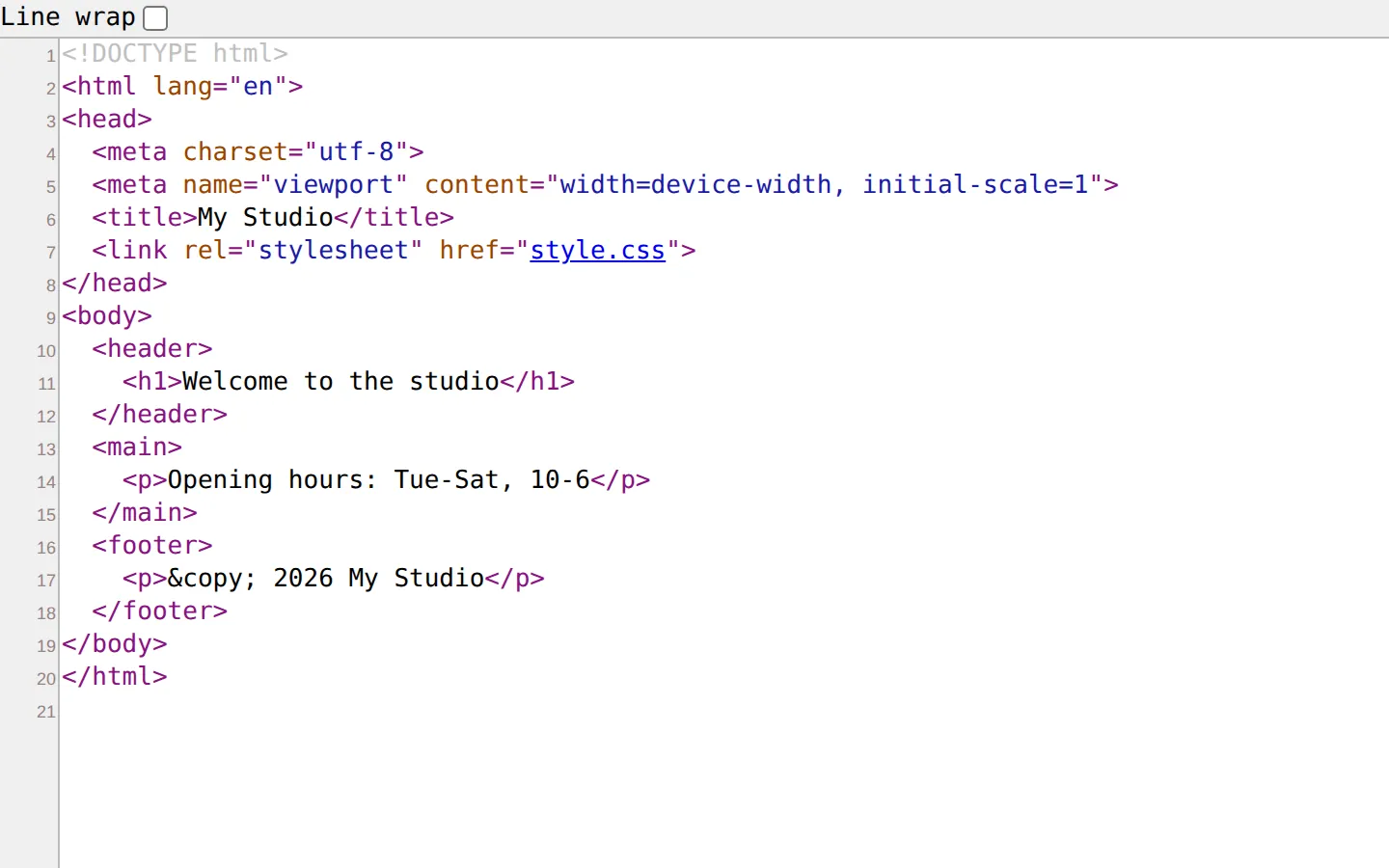
Open the template or file that every page shares, usually the footer. On a site without templates, every HTML file.
-
Paste before </body>
Paste your script right before the closing </body> tag.
<script src="https://clickandsay.com/client.js" defer></script>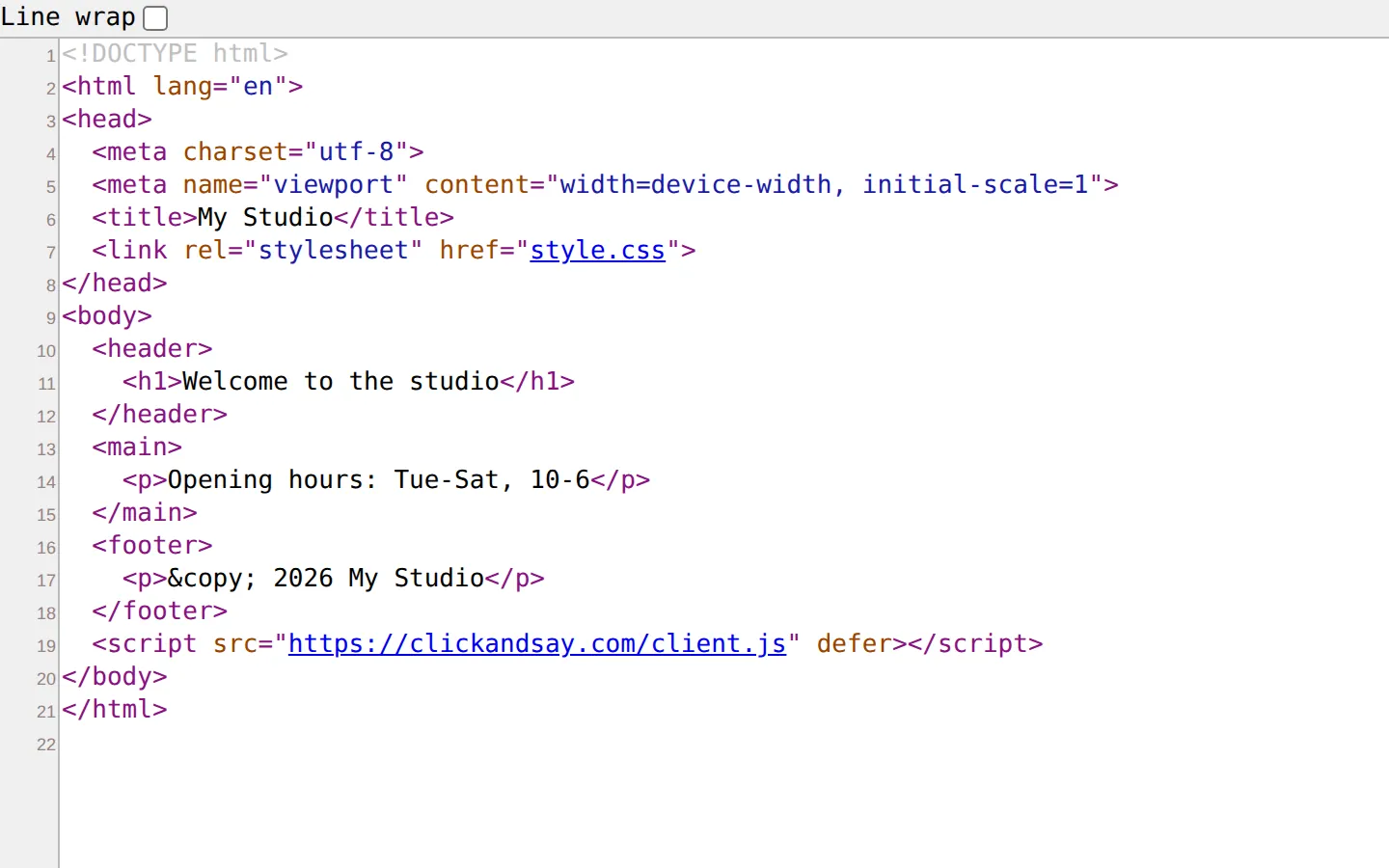
-
Upload
Save and upload the files, or deploy as usual.
-
Check it
Open your site through the install link from your ClickAndSay project. The feedback button appears. In the dashboard, Check connection should say the script is installed.
Questions
Head or footer?
Before </body> is best. The script loads with defer, so the page content comes first.
My site has a Content Security Policy.
Then allow clickandsay.com for scripts, otherwise the browser blocks the line.
Will every visitor see a feedback button?
No. The button only shows up for people who open your install link.
Can't edit the site?
Send the feedback link (nothing to install) instead. It works without touching the site.